This tutorial series will help anyone who is interested in creating high quality screencast videos, engage in advanced edits such as including text, images, sounds, combining multiple vidoes and more. Screenpal is a video creation and editing software that UTT subscribes to, which allows instructors to create engaging and high quality asynchronous videos. Consequently, this tutorial series will be very beneficial for any faculty member who requires the feature set of the Screenpal video creation technology.
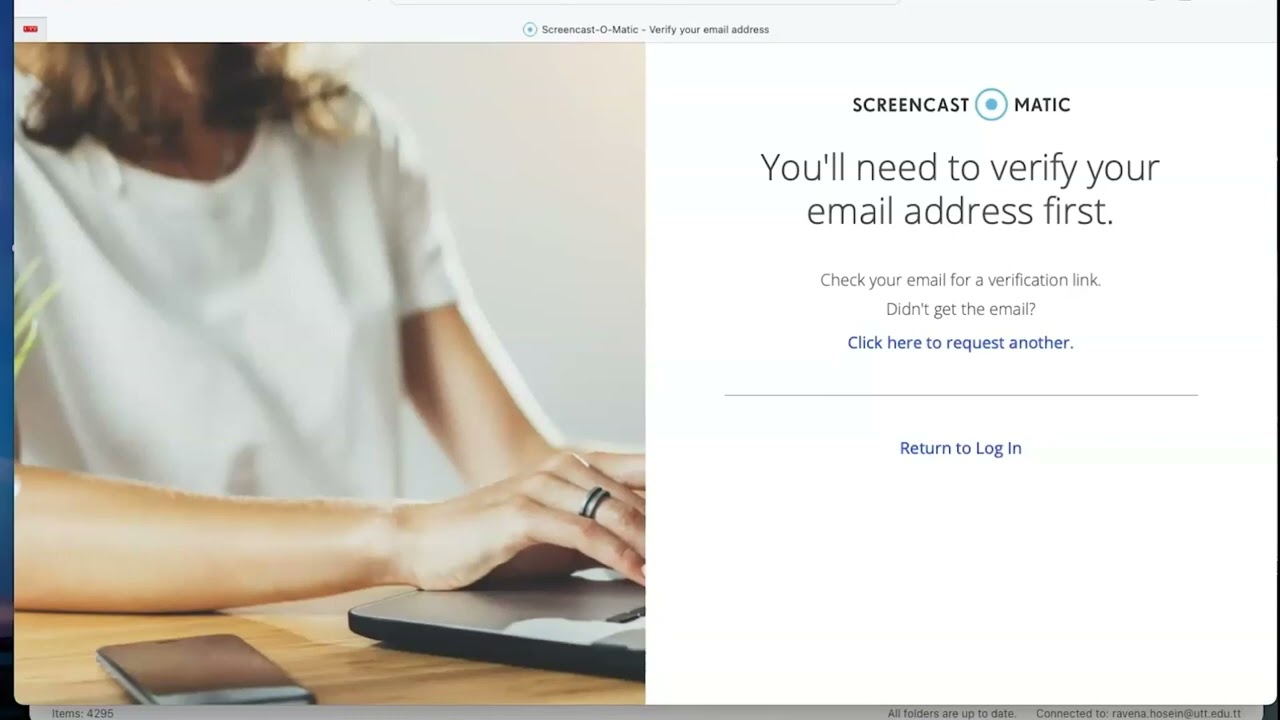


Screencast-o-matic Account Creation and Login
Creating a Screencast recording
Performing Basic edits to a Screencast Pt 1
Performing Basic edits to a Screencast Pt 2
Going beyond the basics using Screencast-o-matic or video
Publishing and sharing your video
If you are interested in diving deeper into screenpal, please visit the technology provider’s website for more tutorials